ZED ZONE items, console and mods
Reference pages built on the developer’s own published data: the full item ID table in English and Chinese, how the console and additem work, how mods install and sync in co-op, and how weapon durability, ammo and affixes work.
Every ZED ZONE items, console and mods page
-
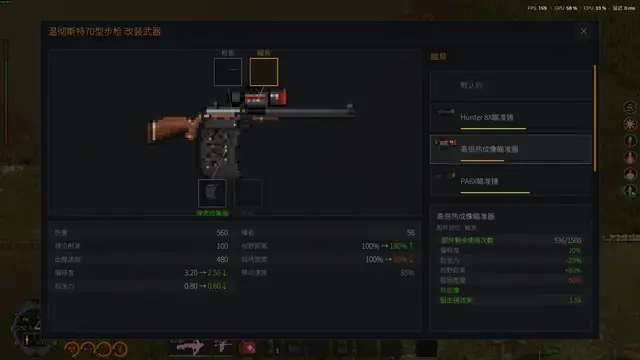 list
Item IDs
Search all 543 ZED ZONE item IDs from the developer’s own table, in English and Chinese, filter by type (ammo, guns, food, materials) and copy the additem command for any item.
-
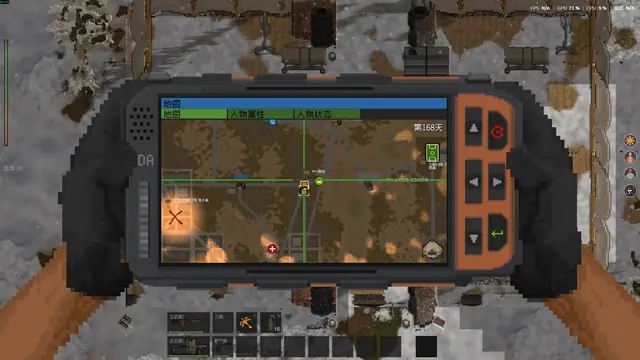 guide
Console commands
Open the ZED ZONE console with the backtick key and spawn items with additem and an item ID. Which commands the developer documents, which only players report, and where consoles are banned.
- Press ` (backtick, the key left of 1) to open the console.
- Type additem and an item ID, e.g. additem 100.
- Console use disqualifies you from the launch leaderboard event.
- guide
Mods & Workshop
Install ZED ZONE mods from the Steam Workshop or as .zedmod files, toggle them in the MOD Manager, make your own in the built-in MOD Editor, and how mods sync to players in co-op.
- Workshop subscriptions load on the next launch.
- .zedmod files go in Mods/<type folder>/ in the game root.
- In co-op, the host’s mods sync to joining players.
-
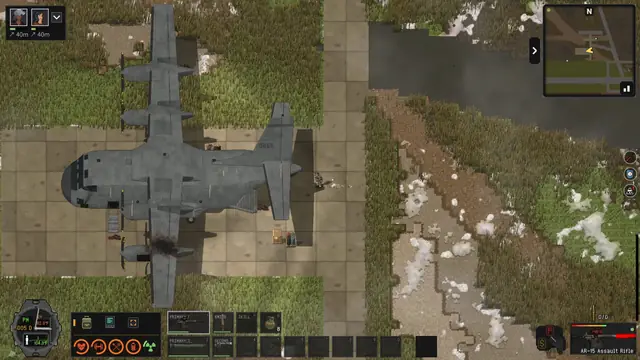 list
Weapons
ZED ZONE weapons from the developer’s data: the 13 ammo types, 76 ranged and 33 melee weapons with IDs, how durability and repair kits work, jams, affixes like Penetration and combination-lock guns.
- 13 ammo types from 12 gauge to 40mm grenades.
- Jams start once a gun drops below 50 durability (player test).
- Locked guns carry special affixes; the code is found by trial.
Items & Mods: ZED ZONE FAQ
How do I open the console in ZED ZONE?
Press the backtick key (`), left of 1 on a US keyboard, then type a command and press Enter. Details →
How do I spawn items?
Type additem and the item ID, for example additem 100 for 12 gauge shells. Every ID is on the item list. Details →
Where can I find all ZED ZONE item IDs?
Our item list has all 543 vanilla IDs from the developer’s table, searchable in English and Chinese. Details →
How do I install mods?
Subscribe on the Steam Workshop, or put .zedmod files into Mods/<type folder>/ in the game folder. Toggle them in the MOD Manager. Details →
Do mods work in co-op?
Yes. The host’s mods sync automatically to players who join. Details →
How do I open a gun with a combination lock?
Enter the digits by clicking or with the number keys; players find the code by trying each digit and noting which turn green. Details →
Why does my gun keep jamming?
Players report jams start once a gun drops below 50 durability. Repair it with a Firearm Repair Kit and keep barrels from overheating. Details →
Other hubs: Survival Basics · Building & Power · Enemies & Bosses · Survivors & Pets · Modes & Co-op · Updates