ZED ZONE mods: install, make and sync
ZED ZONE has official mod support with a built-in MOD Editor and one-click Steam Workshop upload, live since May 2026. In 1.0 the host’s mods even sync to co-op guests.
- Workshop subscriptions load on the next launch.
- .zedmod files go in Mods/<type folder>/ in the game root.
- In co-op, the host’s mods sync to joining players.
How to install ZED ZONE mods
- Steam Workshop: subscribe on the ZED ZONE Workshop; the mod loads on your next launch. Official
- .zedmod file: put it in
Mods/<type folder>/in the game’s root folder. Official - Folder: put the whole extracted mod folder in the same place. If there is no
Modsfolder, create it. Official
Main menu → MOD Manager turns mods on and off. All mods are on by default, and item ID conflicts are reassigned automatically. Local mods load before Workshop ones, and the same mod is not loaded twice. Official
ZED ZONE mod types and folders
| Type | Folder |
|---|---|
| Ranged weapon | Mods/RangedWeapons/ |
| Melee weapon | Mods/MeleeWeapons/ |
| Ammo | Mods/Ammo/ |
| Magazine | Mods/Magazine/ |
| Gun part | Mods/GunPart/ |
| Arrow | Mods/Arrow/ |
| Food | Mods/Food/ |
| Container | Mods/Container/ |
| Face mask | Mods/FaceMask/ |
| Mod pack | Mods/ModPacks/ |
Each type can add new items or replace vanilla ones (skins or full reworks). The Face Mask editor is not exposed yet. Official
Mods in co-op and with other players
- The host’s mods sync automatically to joining players. Official See co-op.
- Online Wanderers no longer carry modded items. Official
- Loading a save that uses no mods no longer shows a false “Missing MOD” notice (Beta 0.9.99.9.7). Official
Making a mod with the MOD Editor
- Main menu → MOD Editor → New → pick a type.
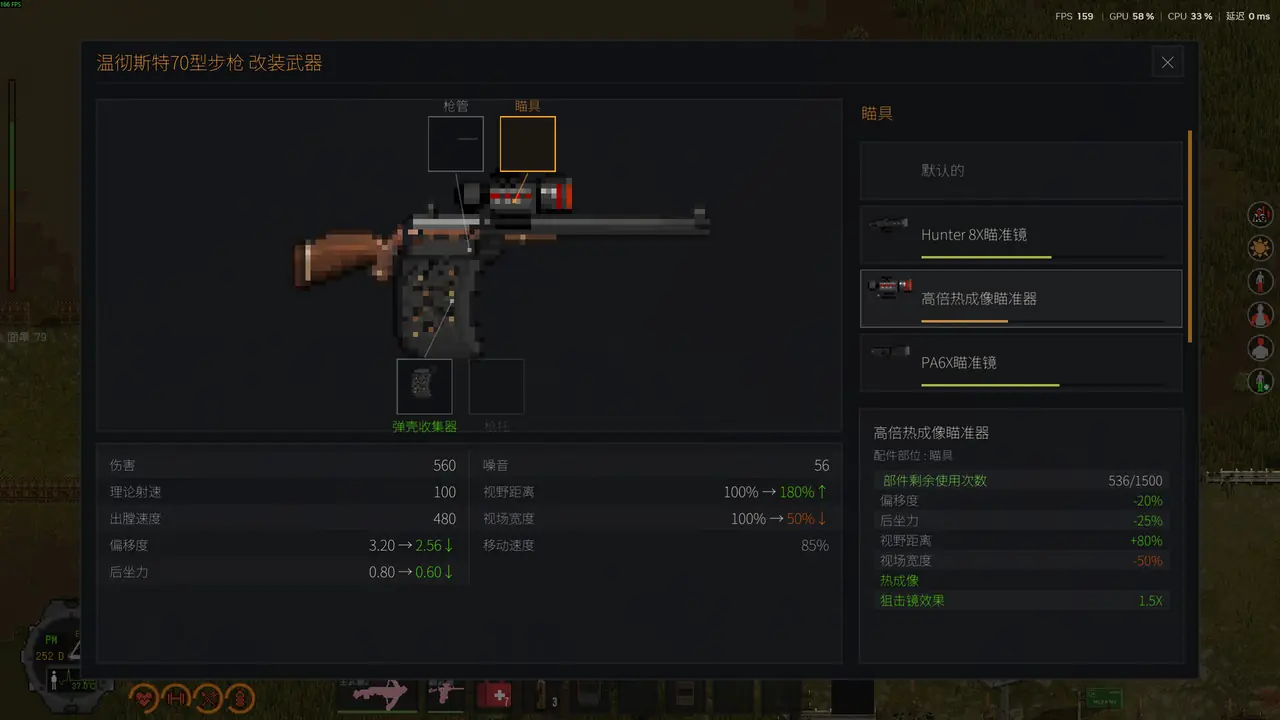
- Click Import to start from a vanilla item, then edit names and numbers (damage, fire interval, durability, reload time, range, noise, recoil, pellets, spread, ammo ID).
- Load a PNG in the Texture Panel (up to 2 MB; larger than 256×256 is scaled down) and fill other languages in the Locale Panel.
- Save, test in game with the console (
additemand the mod’s ID), then publish from the Workshop Upload Window.
From the developer’s manual. Official The editor gained repair recipes (Beta 0.9.95), mod sound effects (Beta 0.9.96) and disassembly products for ranged weapons (Beta 0.9.99.9.7). Official Full docs: mod-docs on GitHub. IDs you will need: item IDs.
When a mod breaks things
Unsubscribing from a mod used to break inventory slots; Beta 0.9.98 fixed it and added a one-click cleanup prompt in the inventory. Official The log at …\AppData\LocalLow\…\Player.log records load results: search for [ModLoader]. Official See save files for the folder.
Checked against version 1.0.4Last verified 2026-11-07
Sources
- Announcement: MOD support, built-in editor, Steam Workshop · 2026-05-29 · official
- Developer docs: MOD manual overview and install · 2026-05-29 · official
- Developer docs: MOD authoring extras (crafting platforms, log path) · 2026-05-29 · official
- Developer docs: Ranged weapon MOD quick reference · 2026-05-29 · official
- Patch notes: Zed Zone 1.0 is out now (New Island, co-op, farming) · 2026-11-06 · official
- Patch notes: Beta 0.9.99.9.7 (tutorial, character saves, forklift, waypoints) · 2026-11-03 · official
- Patch notes: Beta 0.9.98 (camp doctor, snow, performance, crafting from containers) · 2026-09-13 · official
- Patch notes: Beta 0.9.96 (spray paint, minimap, food stacking) · 2026-08-29 · official
- Patch notes: Beta 0.9.95 (building destruction and repair) · 2026-08-18 · official
- Steam Workshop: ZED ZONE · 2026-11-07 · official