ZED ZONE save file location and lost saves
ZED ZONE has lost saves and buildings for some players during Early Access, and Steam Cloud has been both the cause and the cure. Here is where the files are, how sync works now, and how to protect a long run.
- Saves and logs live under AppData\LocalLow\LevenLiu.
- Steam Cloud auto-sync can be turned off; manual sync is in the pause menu.
- Back up the folder yourself before big updates.
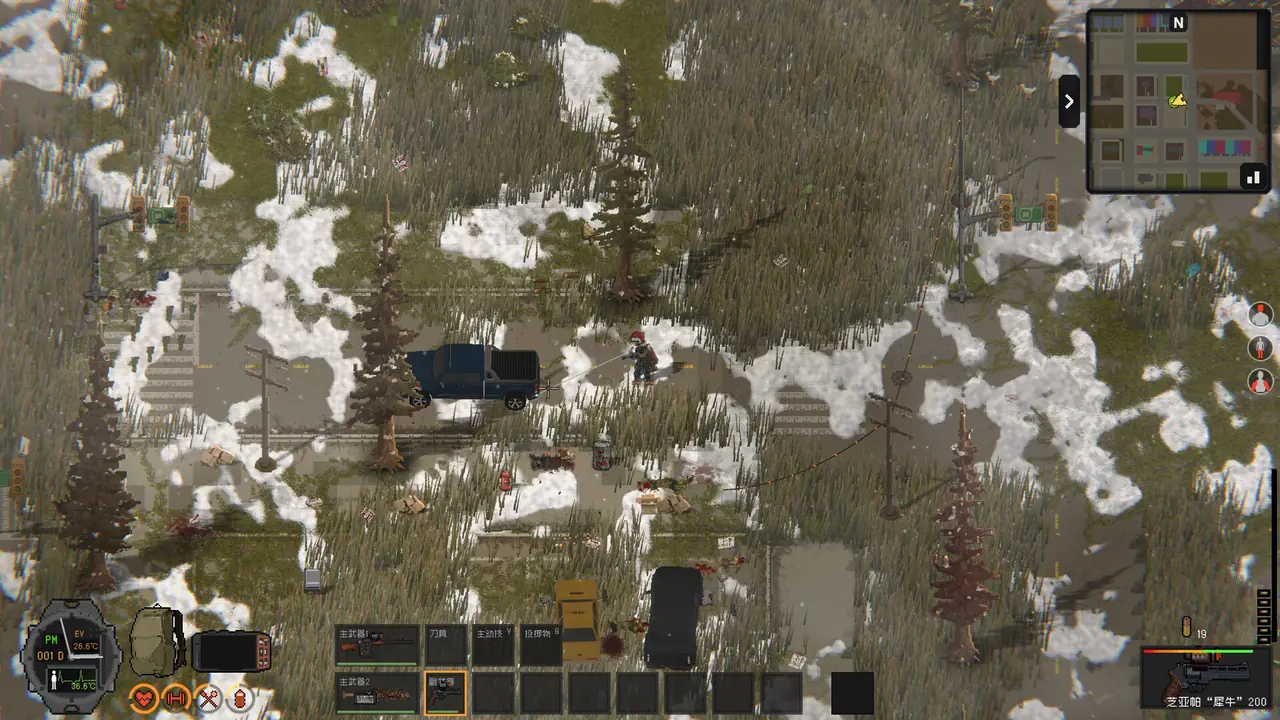
ZED ZONE save file location on Windows
The game writes to the Unity “LocalLow” folder under your user profile. The developer’s MOD docs give the log path as %USERPROFILE%\AppData\LocalLow\<Company>\Zed Zone\Player.log. Official Players name the company folder as LevenLiu and back up the whole folder:
%USERPROFILE%\AppData\LocalLow\LevenLiu\Paste it into the Explorer address bar. Players report One player found a 2 GB Player.log there full of repeated errors; deleting the log is safe when the game is closed, but send it to the developer first if you are reporting a bug. Unverified
How Steam Cloud saves work now
- Steam Cloud saves arrived in Beta 0.80 (January 2026). Official
- Since Beta 0.9.95 cloud saves upload in chunks, fixing failed uploads of large saves and a rollback where a failed upload let an old cloud save overwrite local progress. Official
- Since Beta 0.9.98 there is a “Steam Auto Cloud Save” toggle, and “Sync To Steam Cloud” in the pause menu uploads by hand. Official
- Since Beta 0.9.99.8.15 automatic syncs happen at most once every 30 minutes. Official Incomplete map backups are no longer uploaded (Beta 0.9.99.9.7). Official
Players who lost progress to a cloud mismatch in early 2026 recommend turning auto sync off and copying the folder yourself. Players report
Character saves and world saves are separate
Since Beta 0.9.99.9.7 a character is saved apart from the world. A character takes their backpack, gear and skills into other maps, and when you load a world you pick which character enters it. Official In co-op, guests and Horde Mode do not save the world; since 1.0.4 the save panel says so instead of showing “Game Saved” over an empty list. Official
My save or my buildings disappeared
- Check the version. Many disappearing-building and empty-container bugs were fixed between January and November 2026: Beta 0.80, the March 2026 patch (items vanishing in containers, a new backup mechanism), Beta 0.9.98 (a corrupted character save blanking the list) and Beta 0.9.99.9.7 (items vanishing or duplicating when containers were open during an autosave). Official
- Wait for the autosave to finish. Since Beta 0.9.98, returning to the main menu during an autosave shows progress and only exits once saving is done. Official
- Restore your own copy of the LocalLow folder if you have one.
- Report it through the in-game Feedback Center, which uploads your log and, if you allow it, your save. Official
Duplicated or empty storage boxes
Some players see a copy of a storage box left at its old spot after moving it, or a new empty box covering the real one. Players report A workaround one player posted: move everything from the box into your inventory, carry both boxes outside your base, destroy them, then save, quit and reload before building a new box. Unverified Destroying a box drops its contents on the ground, so nothing is lost. Unverified Several container and duplication bugs were fixed in Beta 0.9.99.9.7, so update first. Official
Checked against version 1.0.4Last verified 2026-11-07
Sources
- Developer docs: MOD authoring extras (crafting platforms, log path) · 2026-05-29 · official
- Patch notes: Beta 0.9.98 (camp doctor, snow, performance, crafting from containers) · 2026-09-13 · official
- Patch notes: Beta 0.9.99.8.15 (new skill tree, power, loot balance) · 2026-10-10 · official
- Patch notes: Beta 0.9.99.9.7 (tutorial, character saves, forklift, waypoints) · 2026-11-03 · official
- Patch notes: Beta 0.9.95 (building destruction and repair) · 2026-08-18 · official
- Patch notes: critical fixes and performance (March 2026) · 2026-03-06 · official
- Patch notes: Beta 0.80 (Steam Cloud, companions, recruitment) · 2026-01-10 · official
- Patch notes: 1.0.4 (co-op room list, exoskeleton weight, fixes) · 2026-11-06 · official
- Steam thread: My game saves have been deleted · 2026-02-10 · players, 2+ reports
- Steam thread: infinitely spawning boxes · 2026-05-21 · players, 2+ reports